Summarize
Get to the point
Turn a long passage into a shorter account of its main ideas.
TextAid can work on a selected passage or on text you enter directly. The same review window keeps you in control of the result.
Fix language, make a passage shorter or clearer, expand a draft, simplify it, change its tone, or make it sound more natural. Choose the action that fits the task.
Try your first action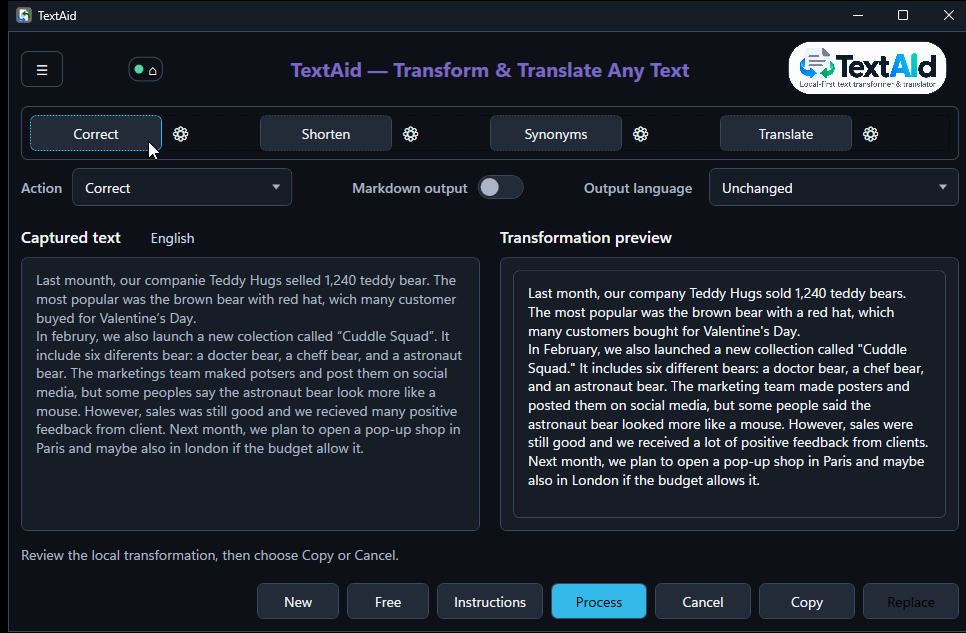
The quick Translate shortcut starts automatically with a destination chosen from your language preferences. You can change that destination and run the translation again.
See quick Translate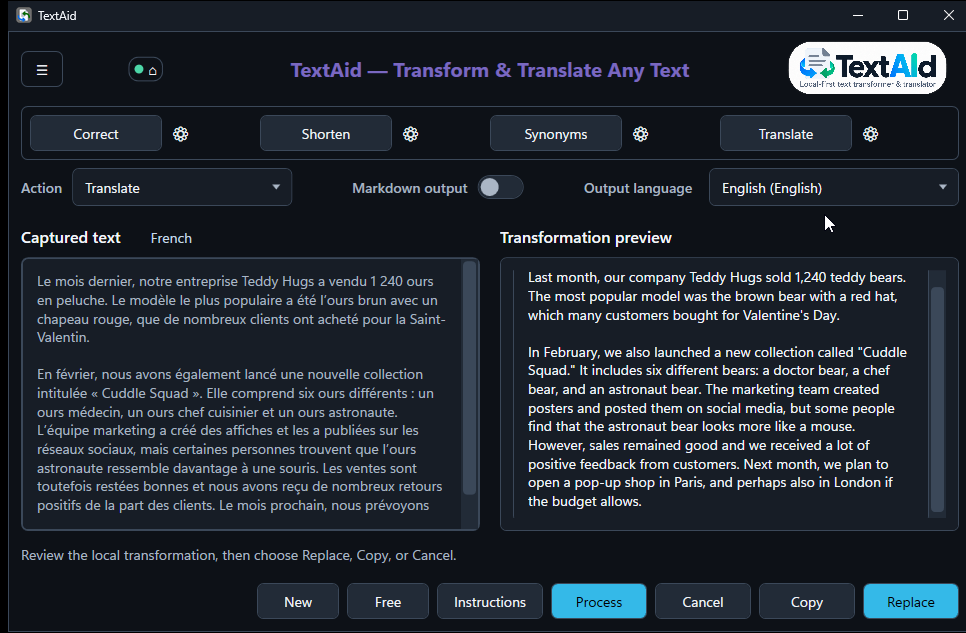
Summarize a passage, transfer the summary into the input with the left-pointing triangle, then translate or rewrite that version. Each new transformation starts when you choose to run it.
With multiple active configured profiles, choose a connection and model for just the next action. The selector returns to Default afterward while the result stays available.
Continue with a completed result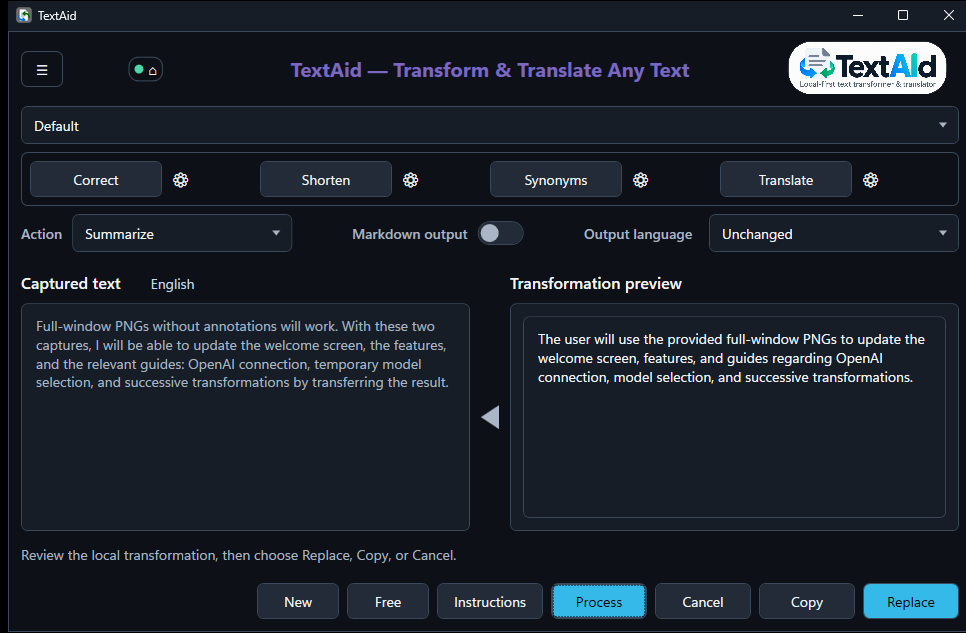
Connect through your system browser and authorize an eligible ChatGPT plan. Load the models offered to your account, select one, and explicitly enable this External connection.
Your existing OpenAI-compatible API-key connection remains available with its own settings. You can choose either access method for an action.
Set up OpenAI sign-in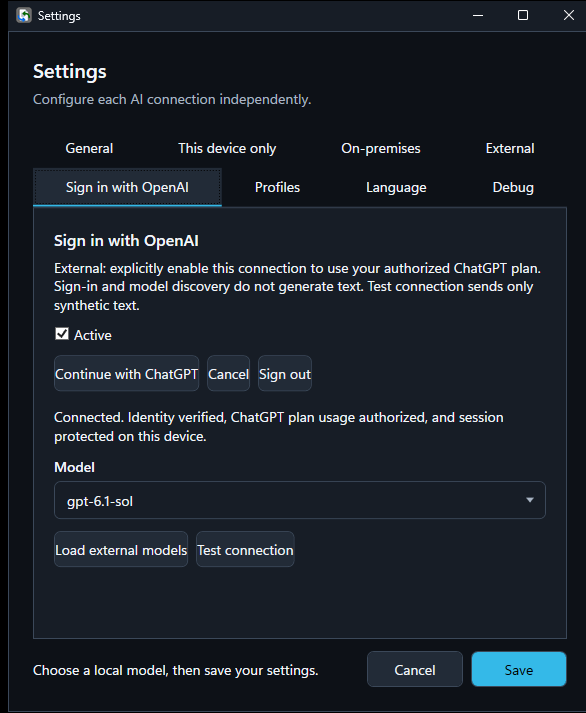
TextAid includes actions for summarizing, answering email, finding synonyms, and more. Four presets put frequent actions one click away; you can create and edit actions too.
Turn a long passage into a shorter account of its main ideas.
Use Free mode to enter a request directly when you have no text selected.
Choose the prompt, model profile, output language, and optional question shown to the user.
The code is publicly available on GitHub. Ready-to-run Windows builds are published on the releases page.
Free for non-commercial use. Commercial use requires prior written permission. Read the full license.